Pricing

Plans and pricing

Start free: 14 days of every paid feature, no card needed. After that stay on Free, or pick a plan. Pro is $85 a month for the full order flow desk and the AI suite, Ultimate is $115 to scale across accounts, and $1,499 once makes it yours for good. Keep your broker; data fees are billed by your provider, never marked up.

Choose your plan.

Free

14 days of full access, then Free forever — no card required.

$0forever
  • 14 days of full access — every paid feature unlocked
  • Multi-asset trading & charting — futures, forex, crypto & equities
  • 200+ standard indicators
  • Market Analyzer & Market Watch
  • Times & Sales + Depth Chart
  • Chart trader & basic tick/price ATM brackets
  • Strategy builder & Strategy Analyzer
  • Market replay
  • Cloud workspaces
  • Sound alerts
  • Trade history & performance reports
  • MCP automation server
  • Trade copier — 2 accounts (master + slave)
  • 2 data connections
  • Use on 1 PC at a time
Download free

Ultimate

For multi-account & systematic traders.

$115/ month

  • Everything in Pro
  • Trade Journal — every trade with its orders, chart & context, playbooks, rules, tilt meter & AI reviews
  • Risk Master — named risk profiles, daily loss & trade caps, hard day-lock with auto-flatten
  • AlgoStudio Pro (visual designer)
  • AutoStrategy Builder (auto-generate & evolve)
  • Walk-forward optimizer (IS/OOS splits)
  • Trade copier — unlimited accounts, multiple master accounts
  • Unlimited data connections
  • Use on 2 PCs at the same time
  • Priority support
Subscribe

Perpetual

Everything in Ultimate — pay once, own it forever.

$1,499one-time
  • Everything in Ultimate — yours forever
  • Use on 2 PCs at the same time
  • No recurring subscription
  • 1 year of updates included
  • Optional updates after — around $50/yr
Buy once

NOT SURE YET? DOWNLOAD FREE: 14 DAYS OF EVERY PAID FEATURE, NO CARD. PRICES IN USD. SUBSCRIPTIONS CANCEL ANY TIME.

What you get

All of this comes with it.

One install, one login. Free covers charting, replay and backtesting, Pro adds the order flow desk and the AI, Ultimate adds the journal, risk lock and strategy generator.

SabrTrader: markets

Markets

All major asset types

  • Futures
  • Forex
  • Stocks
  • Options
  • Crypto
  • 65 brokers and data feeds
SabrTrader: charts and order flow

Charts and order flow

Full institutional order flow

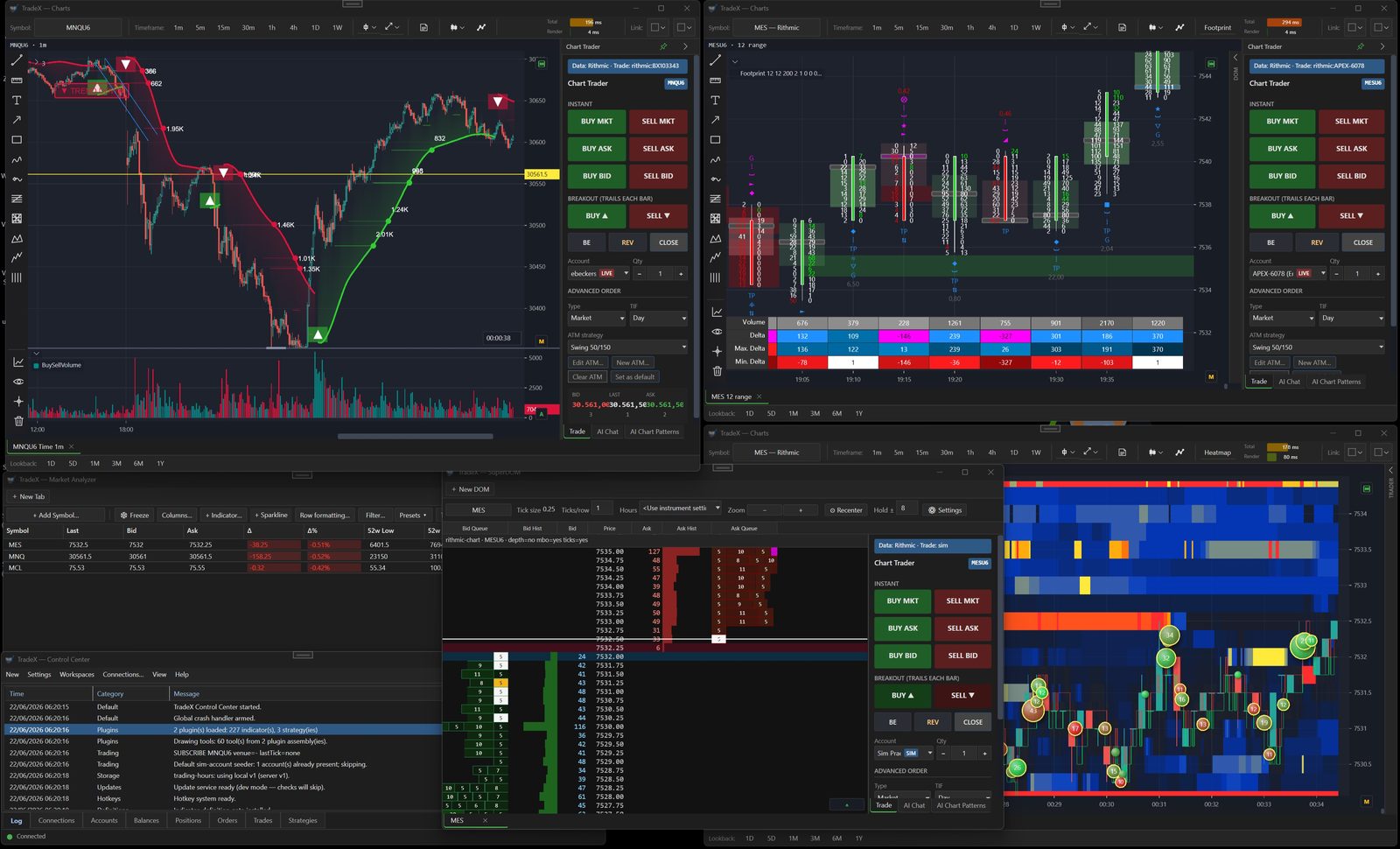
  • 11 bar types, 200+ indicators
  • Footprint
  • Volume and market profile
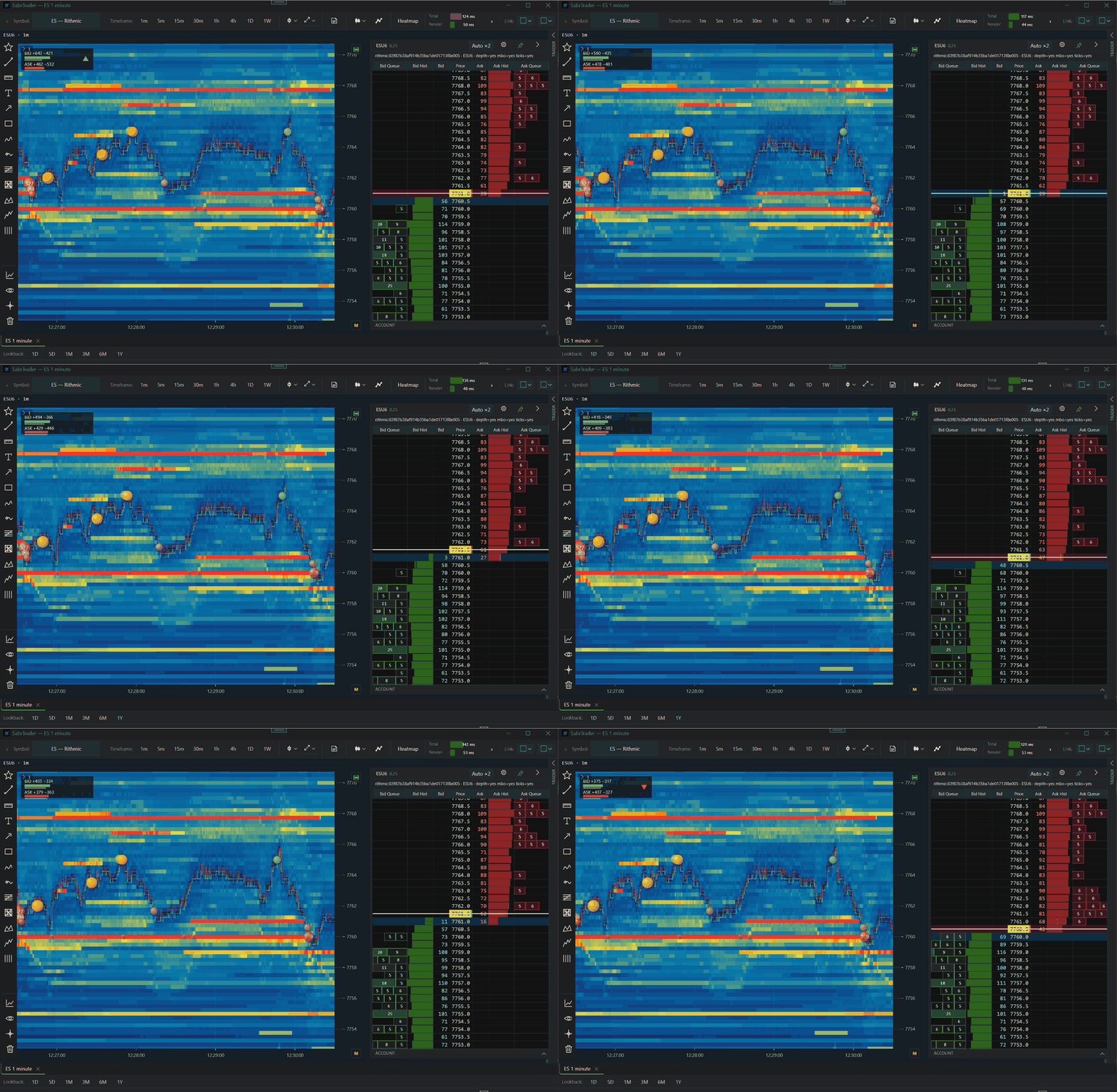
  • MBO liquidity heatmap
  • SuperDOM
  • Times and Sales
  • Gamma levels
  • TradeDevils premium suite
SabrTrader: trading

Trading

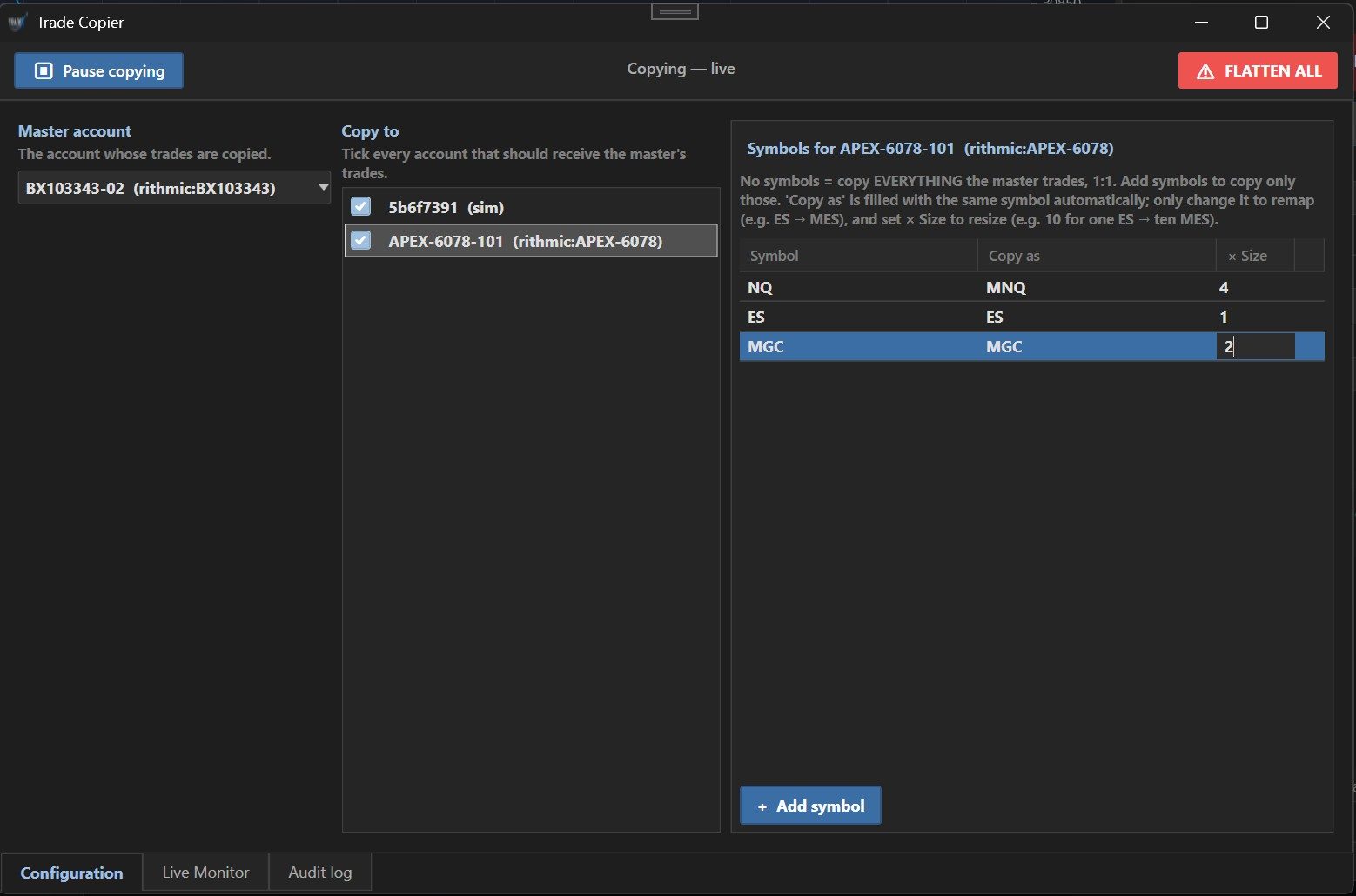
Pro execution and a built-in trade copier

  • Chart Trader and ATM brackets
  • Multi-account copier
  • Options chain, screener and analyzer
  • Market Analyzer
  • Alerts
  • Hotkeys
SabrTrader: automation and ai

Automation and AI

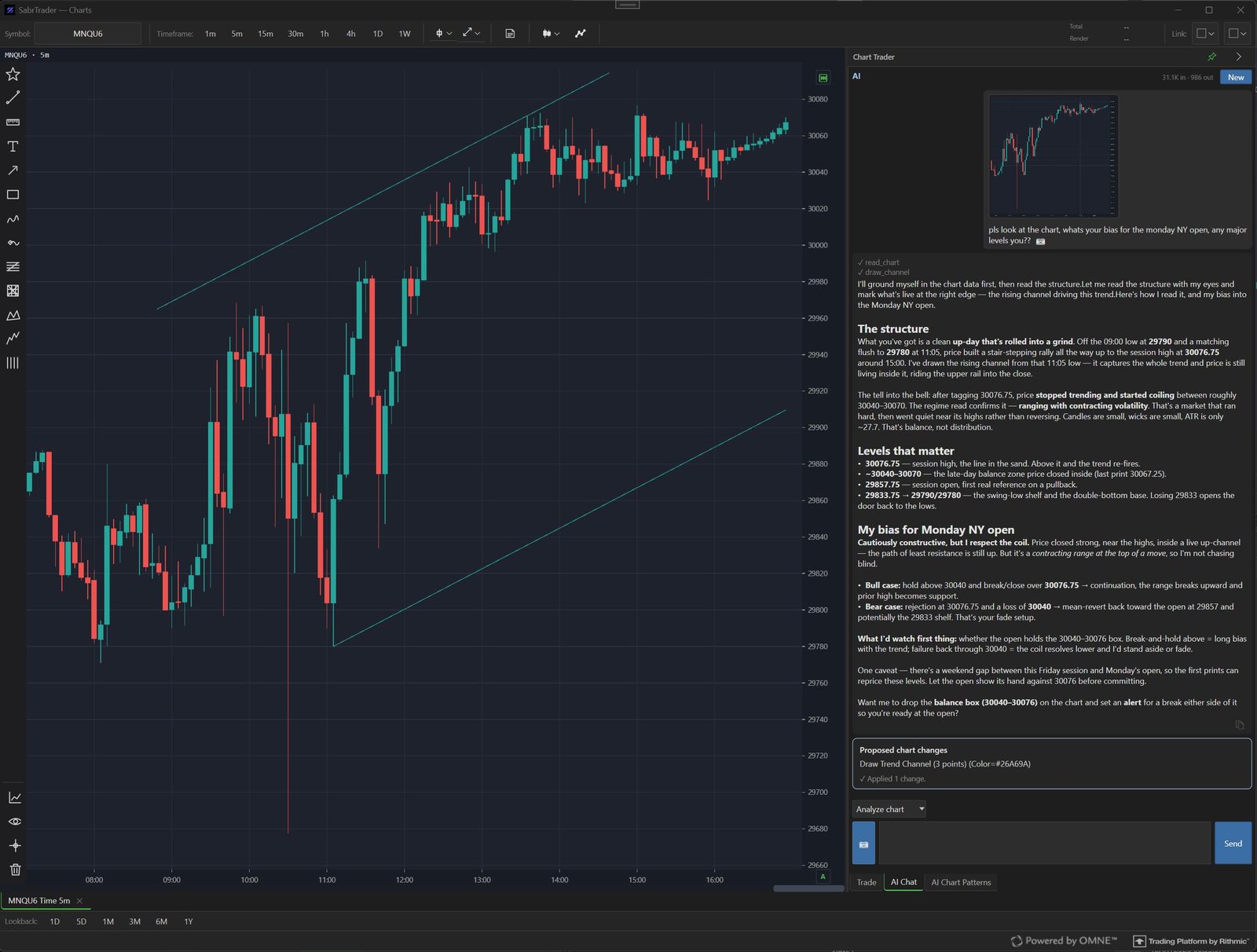
AI integration in every part

  • AI chat that reads your chart
  • AI pattern detection
  • AI strategy builder
  • AI-built indicators and plugins
  • AlgoStudio Pro
  • Auto Strategy Builder
  • Strategy Analyzer
  • C# SDK with hot reload
SabrTrader: review and risk

Review and risk

Journal, replay and risk control built in

  • Trade Journal
  • Risk Master
  • Market Replay
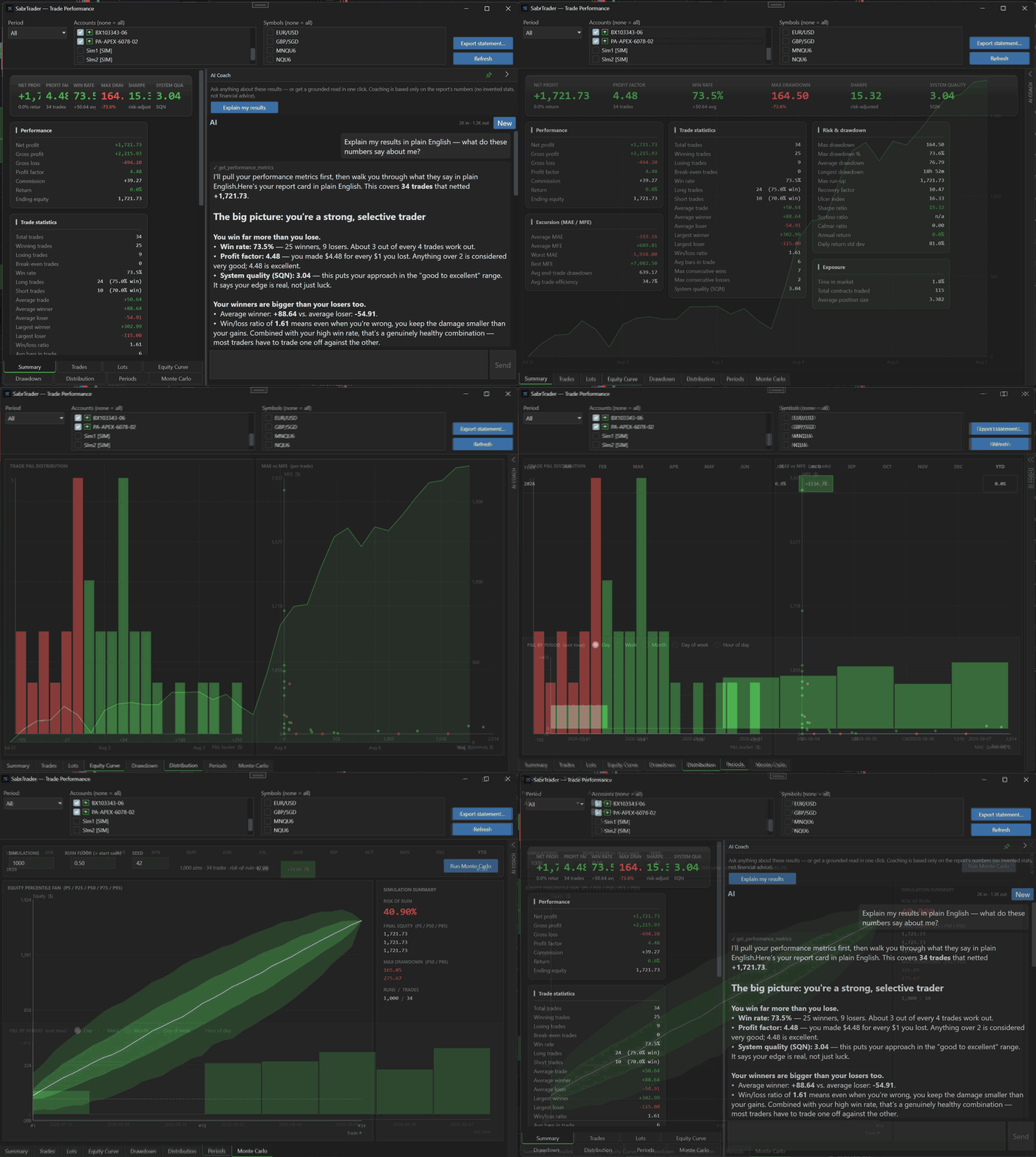
  • Performance reports
  • Portfolio Analyzer
  • Cloud workspaces

Not sure it replaces yours? Run it next to your current setup for 14 days, free and without a card. See the side-by-side comparisons →

From our Discord

What customers say

Discord message from LasVegasGuy: With everything that Sabr is capable of, it's a no brainer for me and I haven't gotten through everything Sabr has to offer yet.

"With everything that Sabr is capable of, it's a no brainer for me and I haven't gotten through everything Sabr has to offer yet."

LasVegasGuy · TradeDevils user for years
Discord message from RayMeeks: Wow this thing is amazing! I just cancelled my TradingView subscription and started porting all my indicators over to SabrTrader.

"Wow this thing is amazing! I just cancelled my TradingView subscription and started porting all my indicators over to SabrTrader."

RayMeeks · writes his own indicators
Discord message from skipstream: I can look to get rid of yet another subscription to a journal system I hardly use due to it being a pita exporting importing CSV files and manually adding screenshots.

"I can look to get rid of yet another subscription to a journal system I hardly use due to it being a pita exporting importing CSV files and manually adding screenshots."

skipstream · on the Trade Journal

Billing questions

Before you commit.

Can I try before I subscribe?

Yes. Download Free, verify your email, and you get 14 days of full access — every paid feature unlocked (order flow, AI, AlgoStudio and more), no card required. After that you keep the Free platform forever. Upgrade to Pro or Ultimate whenever you’re ready, or buy a perpetual license to own it outright. See what the Free plan includes.

On how many PCs can I use it?

Install SabrTrader on as many PCs as you like. Your plan sets how many of them can be signed in at the same time: 1 on Free and Pro, 2 on Ultimate and Perpetual, so a desk PC and a laptop can both be running.

Moving to another PC is fine on every plan. A PC you have stopped using frees up by itself after 24 hours, and the next one you sign in on takes its place. Your workspaces follow you through the cloud.

How does the perpetual license work?

You pay $1,499 once and the license never expires — everything in Ultimate, yours to use forever, on 2 PCs at the same time. The first year of updates is included. After that, staying on the latest version is an optional update plan of around $50/yr; skip it and you simply keep using the version you have. No subscription, no lock-out, ever.

Can I change tiers or cancel?

Yes. Tiers can be upgraded or downgraded at any time and take effect on the next billing cycle. Cancellation stops billing at period end; your research archive remains exportable for 90 days.

Are market data fees included?

Exchange fees for real-time data are billed by your data provider (Rithmic, dxFeed, Databento or Interactive Brokers), as exchanges require. SabrTrader itself adds no data surcharges on any tier.

Can I trade more than one account?

Yes — that's what the built-in trade copier is for. Pro mirrors your fills across up to 5 accounts; Ultimate copies across unlimited accounts, with per-account sizing and a kill switch. No third-party copier needed. On both plans you can split your accounts into copy groups, each with its own master account.

I bought before October 1, 2026. What do I keep?

Everything you bought it with. A subscription started before October 1 keeps its launch price ($70/month or $699/year for Pro, $99/month or $989/year for Ultimate) and its launch PC count (Pro 2, Ultimate 5) for as long as it stays active on the same plan, renewals included. A Perpetual license bought before October 1 keeps its 5 PCs for good.

$ sabrtrader --connect --subscribe

See it on your own charts first.

Download free and get 14 days of every paid feature, no card needed. Subscribe when it has earned its place, or pay once and own it. Keep your broker; cancel any time.